VidHex Review: Best Video Enhancer
Whether you’re reviving old memories or giving your content a fresh edge, a top-tier AI video enhancer can make all the difference. Enter VidHex, a powerful, intuitive tool redefining how creators remove blur and upscale footage into crisp, cinematic quality. In this VidHex Review: Best Video Enhancer, we’ll explore what makes it stand out—and why it might be the upgrade your video editing workflow needs.
What Is VidHex?
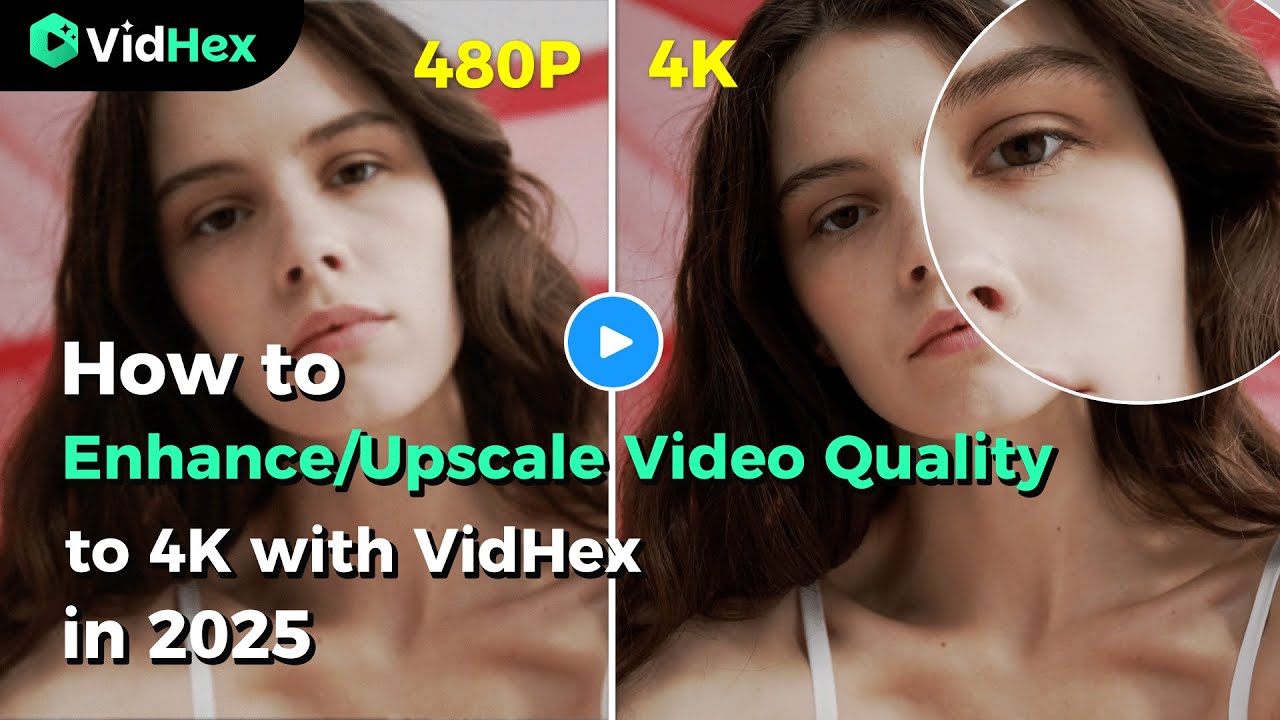
VidHex is a desktop-based, AI-powered video enhancement software designed to transform “Remove blurry from video” moments into astonishing clarity. Its arsenal includes multiple AI models tailored for diverse footage types—ranging from enhancing faces and animations to converting SDR to HDR and colorizing old black-and-white clips. The tool supports upscaling up to 4K, with even some references to 8K capability. It also features noise reduction, stabilization, motion interpolation, and file repair—making it a robust all-in-one solution.
Why VidHex Excels: Key Strengths
- Wide Range of AI Models
VidHex offers top-tier enhancement models: face-specific clarity, anime optimization, general upscaling, and color correction. These allow for targeted processing with exceptional visual accuracy. - Impressive Resolution Enhancement
Users can upscale videos to 4K—and in some cases, 8K. This makes VidHex ideal for professional projects, archival content, or social media ready visuals. - Rich Enhancements Beyond Upscaling
VidHex doesn’t just increase resolution—it sharpens, denoises, stabilizes, color-corrects (even colorizes B&W), and repairs damaged footage. It’s a one-stop tool for video restoration and enhancement. - Batch Processing Support
Efficiency is key. VidHex allows users to process multiple files at once, streamlining workflows without sacrificing quality. - User-Friendly Interface & Offline Use
VidHex balances power with accessibility. Whether you’re a seasoned editor or a beginning creator, its clean design and clear preview/export system simplify the process. As a desktop app, it also enhances content without requiring internet.
Step-by-Step: Using VidHex to Remove Blur & Enhance Quality
- Download & Install
Get VidHex for your desktop—typically Windows, with macOS support noted in some reviews. - Import Your Video
Open the app and upload your footage via simple drag-and-drop or folder selection. - Pick the Right AI Model
Choose the enhancement mode—General, Face, Anime, SDR to HDR, etc.—depending on your content. - Preview & Compare
Use the preview or side-by-side comparison tool to evaluate results before exporting. - Adjust Output Settings
Set desired resolution (up to 4K/8K), bitrate, and format—all fully customizable . - Export the Enhanced Video
Initiate export and let VidHex handle the AI processing. Once done, your footage is saved—clear, sharp, and ready for the next stage.
Comparison: VidHex vs. Other AI Enhancers
In the crowded AI video enhancement landscape, VidHex holds its own when compared with others:
| Tool | Key Strengths | Limitations |
|---|---|---|
| VidHex | Multi-model AI, 4K/8K upscaling, batch processing, easy to use, offline support | Export times can be longer |
| Topaz Video AI | 16K/60fps upscaling, advanced models, local processing | Expensive; high system requirements |
| AVCLabs Video Enhancer AI | Face models, color correction, batch processing | Slow rendering; high hardware needs |
| VideoProc Converter AI | All-in-one editing + enhancement, budget-friendly | Less powerful AI upscaling |
| TensorPix / HitPaw | Online convenience | Requires internet; subscription-based |
Final Verdict: Is VidHex the Best Video Enhancer?
Based on its technical scope, flexibility, and usability, VidHex stands out as one of the best video enhancers available today. From resolving blurry home footage to producing professional-grade 4K visuals, it brings together a toolbox of AI-driven improvements under one roof. Its blend of offline access, batch processing, and diverse AI models make it an excellent choice whether you’re a hobbyist aiming to “remove blurry from video” or a content creator seeking consistent quality.
Try VidHex Today
Looking for a fast, effective way to upgrade your video clarity? Consider exploring VidHex—don’t just settle for blurry content. Bring your visuals into focus with AI-powered clarity that’s both accessible and impressive.
Write and Win: Participate in Creative writing Contest & International Essay Contest and win fabulous prizes.
About the Author